

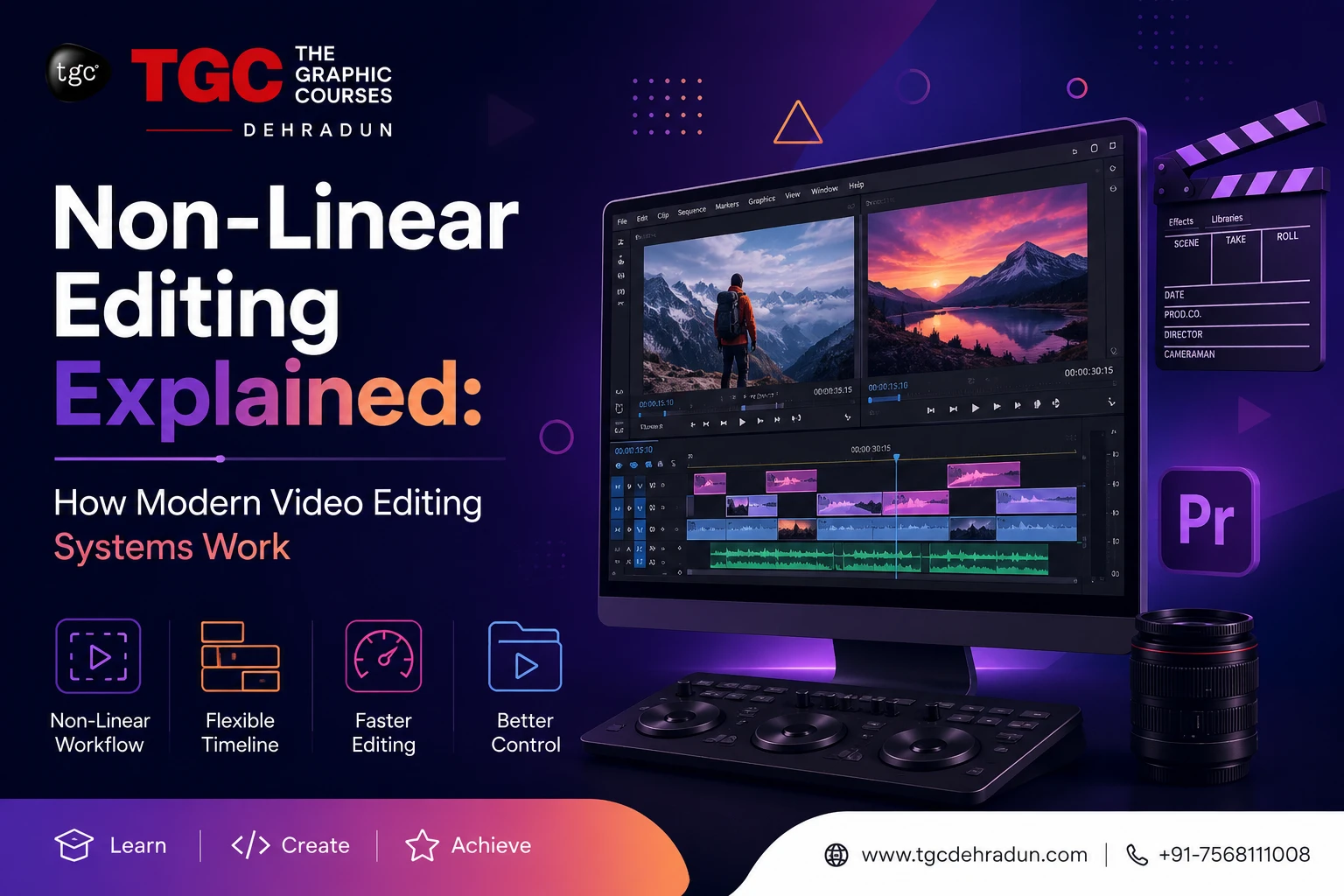
Every time you cut a YouTube video, trim a reel, or color-grade a short film in software like Adobe Premiere Pro, DaVinci Resolve, or Final Cut Pro, you’re using a technology that completely transformed the editing industry: Non-Linear Editing (NLE).
It’s such a fundamental part of modern video production that most editors use it every day without ever thinking about why it works the way it does — or how radically different editing used to be before it existed. Understanding non-linear editing isn’t just technical trivia; it’s the foundation on which every professional editing skill is built.
This post breaks down what non-linear editing actually means, how it differs from the linear editing systems that came before it, and why mastering NLE workflows is essential for anyone pursuing a career in video editing and post-production.
What Is Non-Linear Editing?
Non-linear editing refers to a method of video editing where footage is edited in any order, at any point in the timeline, without affecting the original source material. Instead of physically cutting and splicing tape (as editors once did), NLE systems store footage as digital files that can be accessed, rearranged, trimmed, and modified instantly — in any sequence the editor chooses.
The word “non-linear” is key: you don’t have to edit a video from start to finish, in order. You can jump straight to scene 12, tweak a transition in scene 3, then go back and adjust the opening — all without disrupting anything else in the project.
This is the system every modern editing software is built on, including:
- Adobe Premiere Pro
- DaVinci Resolve
- Final Cut Pro
- Avid Media Composer
Linear Editing vs Non-Linear Editing: Why the Shift Mattered
To really appreciate NLE, it helps to understand what editors dealt with before it existed.
Linear Editing (The Old Way)
In the era of analog tape-based editing, footage had to be edited in sequential order, copying scenes from a source tape onto a master tape, one after another. If an editor wanted to change something in the middle of an already-edited sequence — say, trim two seconds from a scene near the beginning — they’d often have to re-edit everything that came after it.
Key limitations of linear editing:
- Editing was time-consuming and inflexible
- Every change risked disrupting completed sections
- Physical tape degraded slightly with each copy (“generation loss”)
- There was no easy “undo” — mistakes were costly
Non-Linear Editing (The Modern Way)
NLE systems changed everything by digitizing footage and allowing random access to any frame, at any time, without altering the source files. Editors could experiment freely, undo changes instantly, and rearrange entire sequences in seconds.
| Factor | Linear Editing | Non-Linear Editing |
|---|---|---|
| Editing order | Sequential only | Any order, any time |
| Source footage | Physically cut/copied | Digitally referenced, untouched |
| Flexibility | Very limited | Extremely flexible |
| Undo capability | Difficult or impossible | Instant, unlimited (typically) |
| Collaboration | Hard to share/duplicate | Easy file-based sharing |
| Quality loss | Generation loss with copies | None — lossless digital editing |
This shift is one of the biggest technological leaps in the history of filmmaking, and it’s the reason editing today is faster, more creative, and far more forgiving of experimentation.
How Non-Linear Editing Systems Actually Work
Understanding the mechanics behind NLE software helps editors work faster and troubleshoot more confidently. Here’s what’s happening under the hood:
1. Media Ingestion and Referencing
When you import footage into an NLE system, the software doesn’t move or alter your original files. Instead, it creates references (pointers) to those files. This is why deleting or moving your original footage from its folder can cause “media offline” errors — the software is still looking for the original file it referenced.
2. The Timeline
The timeline is the heart of non-linear editing — a visual, scrubbable representation of your entire project across multiple tracks (video, audio, graphics, effects). Because it’s non-destructive, you can drag, trim, layer, and rearrange clips on the timeline endlessly without ever damaging the source footage.
3. Non-Destructive Editing
Every cut, trim, effect, or color adjustment made in an NLE is non-destructive — meaning it’s stored as an instruction layered on top of the original footage, not a permanent change to the file itself. This is what makes unlimited undo, version history, and creative experimentation possible.
4. Real-Time Preview and Rendering
Modern NLEs allow editors to preview edits, effects, and color grades in real time (or near real time), thanks to proxy files, GPU acceleration, and optimized playback engines — dramatically speeding up the creative process compared to the render-heavy workflows of the past.
5. Export and Rendering
Only at the final export stage does the NLE system “flatten” all your edits, effects, and layers into a single finished video file — everything before that remains fully editable.
Core Skills Every Editor Needs in an NLE Workflow
Mastering non-linear editing goes beyond just knowing where the buttons are. Professional editors build fluency in:
- Timeline management — organizing multi-track sequences with video, audio, graphics, and effects layers
- Trimming techniques — ripple, roll, slip, and slide edits for precise, frame-accurate cuts
- Multi-cam editing — syncing and switching between multiple camera angles seamlessly
- Color correction and grading — using tools like Lumetri Color or DaVinci Resolve’s color page to achieve a consistent visual look
- Audio syncing and mixing — layering dialogue, music, and sound effects within the same non-linear timeline
- Proxy workflows — editing with lower-resolution stand-in files for smoother performance on large 4K/6K projects
These are exactly the practical, industry-standard skills covered in a hands-on Video Editing course, where students work directly with professional NLE software on real footage — not just theory.
Popular Non-Linear Editing Software (And What They’re Best For)
- Adobe Premiere Pro — the industry standard for versatility, integration with After Effects, and widespread use across film, YouTube, and agency work. Learn it in a focused Premiere Pro course.
- DaVinci Resolve — renowned for its unmatched color grading tools alongside a full NLE, increasingly popular for both indie filmmakers and professional studios.
- Final Cut Pro — a favorite among Mac-based editors for its speed and magnetic timeline, widely used in independent film and content creation. Explore it through a dedicated FCP course.
Most professional editors today are expected to be comfortable across more than one of these platforms, since different studios and clients standardize on different software.
Why Understanding NLE Matters for Your Editing Career
Non-linear editing isn’t just a technical concept — it’s the entire mental model professional editors use to think about storytelling. Because NLE removes the constraints of sequential editing, editors are free to focus on rhythm, pacing, and narrative structure rather than the mechanics of physically arranging footage.
This is why strong post-production training goes beyond “which button does what” and teaches the underlying workflow: organizing media, building efficient timelines, and using non-destructive techniques to iterate quickly without losing creative control.
A comprehensive Video Editing & Post-Production program builds exactly this foundation — combining NLE software training with color grading, audio design, and motion graphics, so graduates are ready for real-world editing roles in film, television, and digital media from day one.
Final Thoughts
Non-linear editing didn’t just make video editing faster — it fundamentally changed how editors think, create, and collaborate. Every drag-and-drop cut, every instant undo, and every layered color grade you take for granted in modern software exists because of this shift from physical, sequential tape editing to flexible, digital, non-destructive workflows.
For anyone serious about a career in video editing, understanding how NLE systems work — not just how to click through them — is what separates a button-pusher from a true post-production professional.
Ready to master professional video editing tools and workflows? Explore TGC Dehradun’s Video Editing & Post-Production courses and get hands-on training with Premiere Pro, DaVinci Resolve, and Final Cut Pro from industry-experienced trainers.
