

Introduction
You open a poster, a menu, or an Instagram post and something feels off. The text is there, the images are fine, the colors look decent, and yet your eye doesn’t know where to go. Or maybe you’ve made a design that looks good to you but nobody notices the important part.
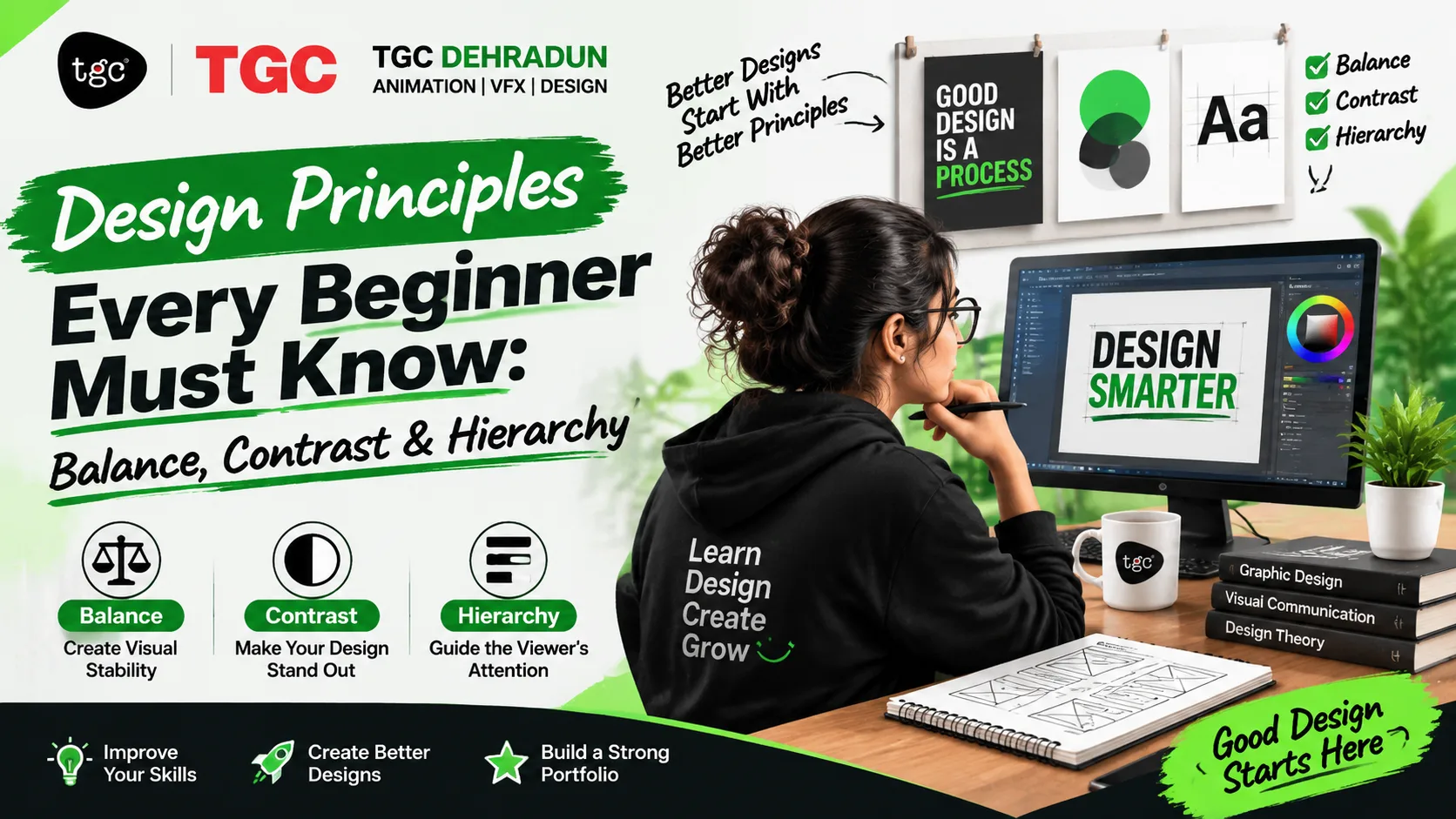
Nine times out of ten, the problem isn’t software skill or creativity. It’s one of three core design principles: balance, contrast, or hierarchy. Master these, and your work looks more professional almost immediately, whether you’re designing a logo, a school brochure, a café menu, or a tourism poster.
This guide explains each principle in plain language, shows how they work together, and gives you simple exercises you can try today.
Why Design Principles Matter More Than Software
Beginners often rush to learn Photoshop, Illustrator, or Canva first. Tools matter, but they’re like pencils: they don’t tell you what to draw. Design principles are the rules of good visual communication, and they apply no matter which tool you use.
| Without principles | With principles |
|---|---|
| Elements placed by guesswork | Elements placed with purpose |
| The viewer doesn’t know where to look | The viewer’s eye is guided step by step |
| Designs feel messy or flat | Designs feel clear and polished |
| Feedback feels random | You know exactly what to fix |
Software changes every few years. These principles have guided designers for generations.
Principle 1: Balance
What it is: Balance is how visual weight is distributed across a design. Every element has weight, based on size, color, darkness, and complexity. A balanced design feels stable and comfortable. An unbalanced one feels like it’s tipping over, unless that tension is deliberate.
Types of Balance
| Type | What It Looks Like | Feeling | Common Uses |
|---|---|---|---|
| Symmetrical | Elements mirrored on both sides of a center line | Formal, stable, trustworthy | Wedding cards, certificates, banks, institutions |
| Asymmetrical | Different elements arranged so the overall weight still feels even | Dynamic, modern, energetic | Posters, social media, fashion, tech brands |
| Radial | Elements radiate from a central point | Focused, rhythmic | Logos, badges, mandala-style designs |
What Creates Visual Weight?
- Size: larger elements feel heavier
- Color: bright or dark colors feel heavier than pale ones
- Contrast: high-contrast areas pull attention
- Position: items far from the center can balance items nearer to it
- Complexity: detailed areas feel heavier than plain ones
How to Check Balance
- Squint test. Blur your eyes. Do the dark and heavy areas cluster on one side?
- Flip test. Mirror your design horizontally. Problems often become obvious
- Thumbnail test. Shrink the design to a tiny preview and see if it still feels stable
Common Balance Mistakes
- Putting a big image on one side and tiny text on the other with nothing to offset it
- Crowding all the content at the top and leaving the bottom empty
- Making everything symmetrical when the content needs energy
- Mistaking empty space for a problem; white space is part of balance
Try this: Take a poster with a big logo on the left. Add a bold headline and a small image on the right so the two sides feel equal in weight, even though the elements are different.
Principle 2: Contrast
What it is: Contrast is the difference between elements. It’s what makes one thing stand out from another. Without contrast, everything blends together and nothing gets noticed.
The Main Types of Contrast
| Type | Examples | Effect |
|---|---|---|
| Color contrast | Light text on a dark background; a bright accent on neutral colors | Draws attention instantly |
| Size contrast | A huge headline with small supporting text | Shows importance |
| Typography contrast | Bold vs light, serif vs sans-serif, uppercase vs lowercase | Separates levels of information |
| Shape contrast | Round shapes next to sharp ones | Adds visual interest |
| Texture contrast | Smooth areas against rough or patterned ones | Adds depth |
| Space contrast | Dense areas next to open ones | Gives the eye a place to rest |
Contrast and Readability
Contrast isn’t only about style. It decides whether people can read your design at all.
- Dark text on a light background, or the reverse, is easiest to read
- Pale grey text on white, or yellow on white, looks stylish in a mockup and is unreadable in real life
- Text over busy photos needs help: a solid overlay, a blurred background, or a text box
- Check legibility on a phone screen in bright light, not only on your monitor
Using Contrast Wisely
The golden rule: contrast works because it’s selective. If every element is bold, large, and colorful, nothing stands out. Pick the one or two things that matter most and make those contrast with everything else.
| Mistake | Why It Fails | Fix |
|---|---|---|
| Everything bold and loud | No clear focus | Make only key elements stand out |
| Two fonts that look almost the same | Looks like a mistake, not a choice | Pick fonts that are clearly different or use one family in different weights |
| Low-contrast text for style | Hard to read | Increase the difference between text and background |
| Too many accent colors | Colors compete | Use one main accent |
Try this: Design a poster with a single bright accent color against a neutral background, and use that color only for the most important message, such as an offer or event date.
Principle 3: Hierarchy
What it is: Hierarchy is the order in which the viewer notices and reads things. It answers the question, “What should people see first, second, and third?” Good hierarchy guides the eye through your design without effort.
How Designers Create Hierarchy
| Tool | How It Works |
|---|---|
| Size | Larger elements are seen first |
| Weight | Bolder text feels more important |
| Color | Strong or contrasting colors attract attention |
| Position | Top and left areas are usually seen first in left-to-right languages |
| Spacing | Isolated elements stand out; grouped elements read together |
| Typography style | Headings, subheadings, and body text each look different |
A Simple Three-Level System
Most designs work well with three levels:
- Level 1: The hook. One dominant element, such as a headline or key image
- Level 2: The support. Subheadings, key details, or secondary images
- Level 3: The details. Body text, fine print, contact information
If you can’t tell which level an element belongs to, your hierarchy isn’t clear yet.
Test Your Hierarchy
- The 3-second test. Show your design to someone for three seconds, then ask what they remember. If it isn’t your main message, adjust
- The black-and-white test. Remove color. If the hierarchy still works, it’s strong
- The squint test. Blur your vision. The biggest and darkest shapes should match your priorities
Common Hierarchy Mistakes
- Making everything the same size
- Using too many font styles, which creates competing levels
- Placing the important detail, like a phone number or date, in small text at the bottom corner
- Letting a decorative image overpower the message
- Forgetting that a call to action needs to stand out
Try this: Take a flyer with plain, equal-sized text. Increase the headline size, make one key detail bold, reduce the fine print, and add spacing between groups. Notice how much clearer it becomes with no new elements at all.
How Balance, Contrast, and Hierarchy Work Together
These principles aren’t separate checklists. They reinforce each other.
| Principle | The Question It Answers |
|---|---|
| Balance | Does the layout feel stable and comfortable? |
| Contrast | What stands out from everything else? |
| Hierarchy | In what order will people read it? |
Contrast is often the tool that creates hierarchy: the biggest, boldest, most contrasting element naturally becomes the first thing people see. Balance then makes sure the rest of the layout feels settled instead of lopsided.
A Worked Example: A Café Menu in Dehradun
Imagine designing a menu for a small café near Rajpur Road.
- Hierarchy: The café name is the biggest element. Category headings (Coffee, Snacks, Desserts) come next. Item names and prices follow, with descriptions in the smallest text
- Contrast: Item names in bold dark text, descriptions in a lighter weight. One warm accent color highlights the “Chef’s Special”
- Balance: A small illustration on the right balances the heavier text block on the left, and generous margins keep the page from feeling crowded
Without these decisions, the same content becomes a wall of text. With them, a customer can find their order in seconds.
Principles That Support the Big Three
Once balance, contrast, and hierarchy feel natural, add these:
| Principle | What It Does |
|---|---|
| Alignment | Lines elements up so the design feels organized |
| Proximity | Groups related items together |
| Repetition | Reuses colors, fonts, and shapes to create consistency |
| White space | Gives elements room to breathe |
| Color harmony | Chooses palettes that work together |
| Typography pairing | Combines fonts that complement each other |
Practical Exercises for Beginners
Practice builds intuition faster than reading. Try these over a week:
| Day | Exercise |
|---|---|
| 1 | Collect five designs you admire. For each, note where the eye goes first, second, and third |
| 2 | Redesign a poster three times using symmetrical, asymmetrical, and radial balance |
| 3 | Create one design using only black, white, and a single accent color |
| 4 | Take a cluttered flyer and rebuild it with a clear three-level hierarchy |
| 5 | Design a social media post and test it with the 3-second rule |
| 6 | Redesign a local shop signboard so the name reads from far away |
| 7 | Put your best three pieces together and note what changed since day 1 |
Common Beginner Mistakes to Avoid
- Decorating before organizing. Fix the structure first; add style later
- Using too many fonts, colors, and effects. Restraint is a skill
- Ignoring white space. Empty areas are not wasted
- Designing for yourself. Think about what the viewer needs to do
- Not testing. Show your work to someone who hasn’t seen it
- Copying trends without understanding them. Study why a design works before you borrow its look
Where to Learn Design Fundamentals in Dehradun
Understanding principles is the first step. Applying them on real projects, with feedback from an experienced mentor, is what turns them into skill.
TGC Dehradun’s Graphic Design Course builds these fundamentals first, including composition, color theory, typography, and layout, before moving into branding, packaging, and social media design. For a longer, career-focused program, the Diploma in Graphic Design goes deeper into branding, illustration, and digital design. You can also read what students actually cover in the graphic design course and the skills you need to become a graphic designer. Designers who want to take these principles into websites and apps can add the Web Designing Course, and you can browse every program on the TGC Dehradun course page.
Frequently Asked Questions
What are the basic principles of design? The core principles include balance, contrast, hierarchy, alignment, proximity, repetition, and white space. Balance, contrast, and hierarchy are the best starting point for beginners.
What is balance in graphic design? Balance is the even distribution of visual weight across a layout. It can be symmetrical, asymmetrical, or radial, and it makes a design feel stable.
What is contrast in design? Contrast is the difference between elements, such as light against dark, large against small, or bold against light. It draws attention and improves readability.
What is visual hierarchy? Visual hierarchy is the order in which people notice information. Designers create it using size, weight, color, position, and spacing.
Do I need to learn software before design principles? No. Principles come first because they apply to every tool. Learning them early makes software easier to use well.
How can I practice at home? Analyze designs you like, redesign existing posters or flyers, and test your work with the squint test and the 3-second test.
Which principle matters most? They work together. If you must start with one, begin with hierarchy, because it decides what people see first and what they do next.
Can beginners learn graphic design without drawing skills? Yes. Graphic design relies more on layout, typography, color, and communication than on drawing ability, though sketching helps you plan ideas.
Final Thoughts
Balance keeps a design steady, contrast makes the right things stand out, and hierarchy tells the viewer where to look. Together they turn a pile of elements into a clear message. You don’t need advanced software or years of experience to start using them, just attention and practice.
Pick one design you’ve made, run the squint test, and ask three questions: Does it feel balanced? Does the most important thing stand out? Is the reading order clear? Fix those, and you’ll see the difference immediately.
Ready to build strong design foundations with real projects and expert feedback? Explore TGC Dehradun’s Graphic Design courses and start creating portfolio-ready work.