
In today’s digital era, freelancing has become one of the most popular career options, especially in creative fields like video editing. With the rise of Artificial Intelligence (AI), video editing has become faster, smarter, and more efficient, making it easier for freelancers to deliver high-quality work. If you are planning to start freelancing after completing an AI Video Editing course at TGC Dehradun, this guide will help you understand the opportunities and benefits.
TGC Dehradun provides practical, hands-on training that prepares students for real-world freelancing projects. Students learn how to edit videos professionally, use AI tools, and create engaging content for clients across different industries. With a strong portfolio and the right skills, you can start earning as a freelancer from anywhere.
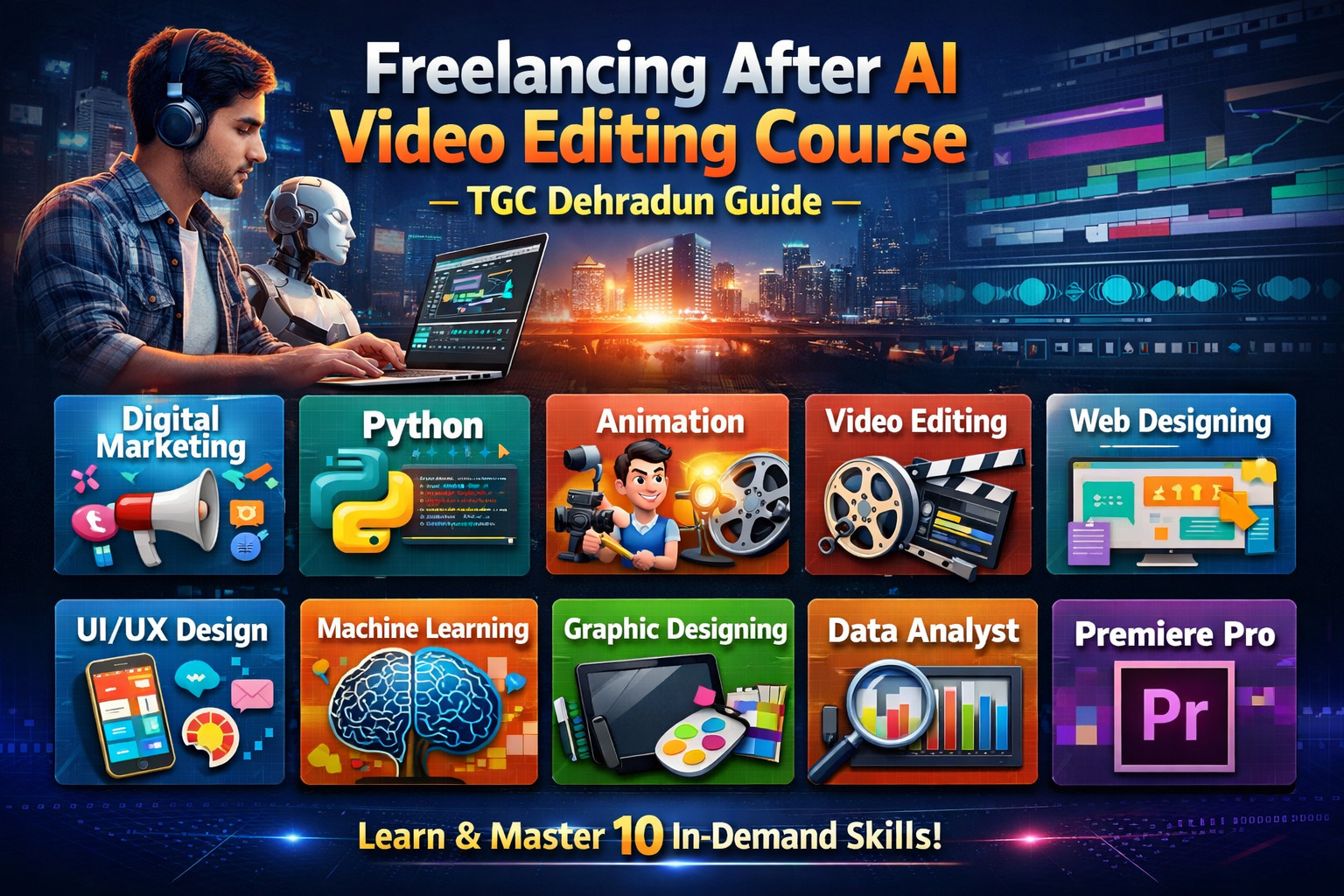
Along with video editing, learning additional digital skills can significantly boost your freelancing career. Courses like Digital Marketing, Python, Animation, Video Editing, Web Designing, UI/UX Design Course, Machine Learning, Graphic Designing, Data Analyst, and Premiere Pro help you offer multiple services and increase your income potential.
1. Digital Marketing
Digital Marketing helps you promote your freelancing services online and attract clients through social media, SEO, and ads.
2. Python
Python can be used for automation and AI-based tools, helping you complete projects faster and more efficiently.
3. Animation
Animation allows you to offer motion graphics and creative video content services to clients.
4. Video Editing
Video Editing is the main skill that helps you work on YouTube videos, ads, reels, and corporate projects.
5. Web Designing
Web Designing helps you create a professional portfolio website to showcase your work and attract clients.
6. UI/UX Design Course
UI/UX Design helps you offer additional services in app and website design, increasing your freelancing opportunities.
7. Machine Learning
Machine Learning enhances AI-based editing tools, making your work smarter and more advanced.
8. Graphic Designing
Graphic Designing helps you create thumbnails, banners, and visual content for clients.
9. Data Analyst
Data Analyst skills help you understand client requirements and improve content performance using data.
10. Premiere Pro
Adobe Premiere Pro is a must-have tool for freelancers to create high-quality professional videos.
Why Choose These Courses?
These courses are highly practical and industry-focused, helping students build strong freelancing skills. With hands-on training, live projects, and real-world assignments, students gain the confidence needed to work independently.
Another major advantage is the flexibility and income potential. Freelancers can work with multiple clients, choose their own projects, and earn based on their skills. These courses also allow you to expand your services beyond video editing, making you more valuable in the market. With the growing demand for digital content, freelancing offers long-term career growth and financial independence.
Conclusion
Freelancing after completing an AI Video Editing course at TGC Dehradun is a great career option for students who want flexibility and creative freedom. With the right skills, tools, and portfolio, you can work with clients globally and build a successful freelancing career.
By learning courses like Digital Marketing, Python, Animation, Web Designing, UI/UX Design, Machine Learning, Graphic Designing, Data Analysis, and Premiere Pro, you can offer multiple services and increase your earning potential. Investing in these skills is a smart step toward a successful and independent career.
FAQs
1. Can I start freelancing after learning video editing?
Yes, video editing is one of the most in-demand freelancing skills.
2. How can I find clients as a freelancer?
You can find clients through platforms like Fiverr, Upwork, social media, and networking.
3. Do I need experience to start freelancing?
No, you can start with basic skills and improve with practice and projects.
4. Which software is best for freelancing video editing?
Adobe Premiere Pro is one of the best tools for professional video editing.
5. Is freelancing a good career option?
Yes, freelancing offers flexibility, independence, and high earning potential.