

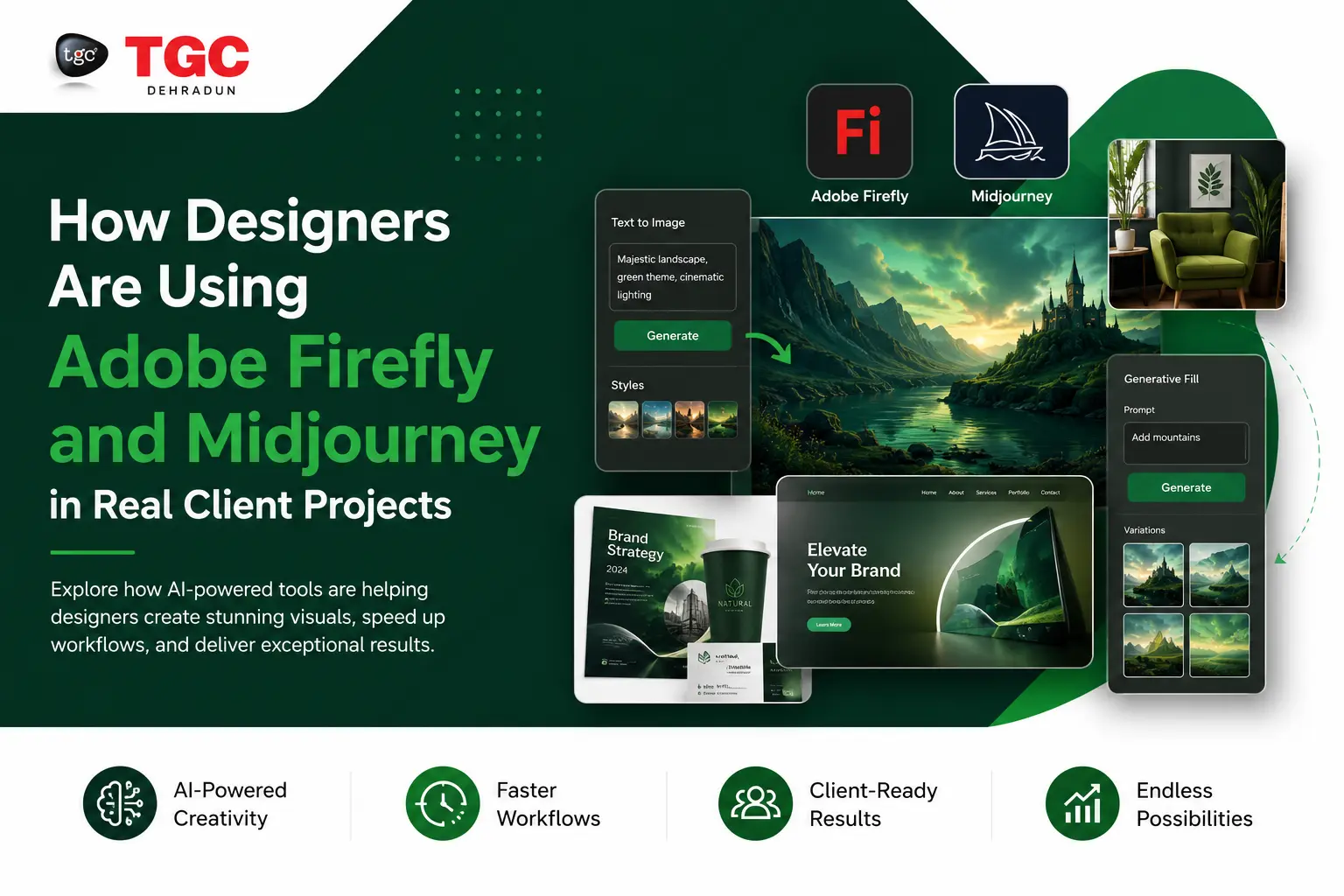
How Designers Are Utilizing Adobe Firefly and Mi Journey in Real-World Client Projects.
Introduction: AI Has Entered the Design Studio
Not long ago, AI-generated art was a novelty something designers scrolled past on social media and moved on from. Today, it’s sitting inside actual client briefs, production pipelines, and approved deliverables.
Two tools are leading this shift: Adobe Firefly and Mi journey. Both generate stunning visuals from text prompts, but they serve different purposes and smart designers are learning when to use each, and how to combine them for maximum impact.
If you’re studying graphic design, visual communication, or digital marketing, understanding how professionals are deploying these tools in the real world isn’t optional anymore. It’s the difference between being hirable and being left behind.
What Is Adobe Firefly? A Quick Primer
Adobe Firefly is Adobe’s own family of generative AI models, built directly into Creative Cloud tools like Photoshop, Illustrator, and Adobe Express. Unlike most AI image generators, Firefly was trained exclusively on Adobe Stock images, openly licensed content, and public domain work making it commercially safe by design.
Key Firefly features designers use in projects:
- Generative Fill in Photoshop (extend backgrounds, remove objects, replace elements)
- Text to Image (generate concept art from a prompt)
- Generative Recolor in Illustrator (instantly create color variations of vector artwork)
- Text Effects (turn typography into richly styled visuals)
Because Firefly is embedded in tools designers already use daily, it lowers the friction to zero. You don’t open a separate app it’s a button inside your existing workflow.
What Is Mi journey? Creative Power Without Guardrails
Mi journey is a standalone AI image generator accessed via Discord (and now a web interface). It doesn’t have Firefly’s commercial safety guarantees baked in, but what it lacks in legal simplicity it makes up for in sheer aesthetic quality and creative control.
Mi journey consistently produces images with a painterly, editorial quality that designers find irresistible for mood boards, concept art, and campaign ideation. With prompt engineering, designers can dial in lighting, art direction style, aspect ratios, and even simulate specific camera lenses.
How Designers Are Using These Tools in Real Client Projects
Let’s break down the actual, practical applications happening in studios right now.
1. Brand Identity & Mood Board Creation
Before a single logo is sketched, designers build mood boards to align with clients on visual direction. This used to take hours of hunting through Pinterest, stock libraries, and photography archives.
Now, designers prompt Mi journey with phrases like “minimalist luxury skincare brand, soft beige and gold, editorial photography style, high contrast” and generate 20–30 directional images in minutes. These images are never delivered to clients as final assets but they’re invaluable for visual alignment conversations.
Adobe Firefly complements this at the execution stage: once the brand direction is locked, designers use Firefly inside Photoshop and Illustrator to generate on-brand backgrounds, texture overlays, and color palette explorations that are safe to include in client presentations.
Pro tip for students: If you’re interested in learning brand identity workflows, TGC Dehradun’s Graphic Design course covers professional tools and AI-assisted workflows that studios are actually using today.
2. Social Media Content at Scale
Digital marketing teams face a brutal content demand: every campaign needs multiple visuals across multiple formats, tested across multiple audiences. AI tools have made this manageable.
A typical workflow looks like this:
- Mi journey generates the hero image concept based on a campaign brief.
- Adobe Firefly (Generative Fill) extends the canvas for different aspect ratios (square for Instagram, vertical for Reels, horizontal for Facebook).
- Adobe Express (with Firefly built in) generates size variations with copy layered on top.
The result: a campaign that once required a full photoshoot can now be visualized, prototyped, and client-approved in a fraction of the time.
For students learning digital marketing, understanding how creative and performance teams collaborate on AI-generated content is increasingly a core skill especially as social platforms now expect brands to post daily.
3. UI/UX Design & App Mockups
UI designers are using Mi journey to generate placeholder imagery and hero section concepts for app interfaces before a single real photograph is taken.
A designer working on a travel app, for example, might generate stunning destination imagery from Mi journey to populate wireframes and prototypes making stakeholder presentations far more convincing than grey placeholder boxes.
Adobe Firefly’s role here is in background removal, content-aware fills, and consistent styling across assets. Instead of sourcing 10 different stock images with mismatched lighting, designers use Firefly to generate a consistent visual set that maintains brand coherence.
4. Real Estate & Architectural Visualization
This is one of the most commercially impactful use cases. Real estate developers need to market properties before they’re built. Traditionally, photorealistic 3D renders cost tens of thousands of rupees and took weeks to produce.
Today, studios feed architectural floor plans and reference images into Mi journey with prompts such as “photorealistic modern apartment interior, natural light, warm tones, Scandinavian design” and produce stunning concept visuals within hours.
Adobe Firefly is then used to swap materials, adjust lighting conditions, and generate seasonal variations (the same building in summer rain vs. golden hour sunshine) all without re-rendering anything in 3D.
Students interested in 3D visualization should explore TGC Dehradun’s Animation and Post Production diploma to understand how AI is intersecting with traditional 3D workflows.
5. Performance Marketing: Ad Creative Testing
Performance marketers live and die by click-through rates. The fastest way to improve CTR is to test more creative variations. More variations used to mean more cost. AI changed that equation.
With Adobe Firefly, teams generate dozens of background and lifestyle image variations around the same product. Each variation gets A/B tested. The winner gets refined by a human designer. The losers get discarded within 48 hours.
Mi journey is used upstream in campaign concepting generating the bold, unexpected visual angles that a stock library would never produce. Combining this with data-driven optimization from platforms like Meta Ads Manager creates a creative feedback loop that’s both faster and more effective.
If you’re keen on the performance side, TGC Dehradun’s Performance Marketing course teaches you exactly how creative testing works inside paid campaigns.
6. Game Design & Concept Art
Game studios even indie ones are using Mi journey heavily in pre-production to generate character concepts, environment art, and prop designs. These images aren’t shipped in the game; they’re references that guide the 3D modelling and art direction process.
Adobe Firefly plays a supporting role in texture generation and asset recoloring using Generative Recolor in Illustrator, which is especially useful for creating multiple enemy skin variants or environment themes (lava world, ice world, forest world) from the same base art.
For aspiring game designers, TGC Dehradun’s Game Design course covers concept art production and teaches students how AI is being integrated into the game development pipeline.
Adobe Firefly vs. Mi journey: Which Should You Learn?
This is the question every design student asks. The answer is: learn both, but for different reasons.
| Feature | Adobe Firefly | Mi journey |
|
Integration
|
Built into Photoshop, Illustrator, Express | Standalone (Discord/Web) |
|
Commercial Safety
|
Yes — trained on licensed content | Use with caution; review terms |
|
Image Quality
|
Good; improving fast | Exceptional; industry-leading aesthetics |
|
Best For
|
Production work, client deliverables | Concepting, mood boards, creative exploration |
|
Pricing
|
Included in Creative Cloud subscription | Subscription-based (starts ~$10/month) |
|
Learning Curve
|
Low — familiar Adobe UI | Moderate — requires prompt engineering |
Most professional studios use both: Mi journey to find the big idea, Firefly to execute it safely at scale.
What This Means for Your Design Career
The rise of AI image tools is NOT replacing designers. It’s changing what designers are expected to do. Clients now expect faster turnarounds, more iterations, and more creative options at the same budget. Designers who understand AI tools can deliver all three.
The skill that matters most isn’t “can you generate a good image?” it’s can you direct AI with the same intentionality and taste that you bring to traditional design? That requires a deep foundation in design principles, color theory, typography, and visual communication.
Which is exactly why formal design education still matters enormously. AI tools amplify skilled designers. Without that foundation, you’re just a prompt typist.
The Ethical Dimension: What Professional Designers Are Navigating
Real studios are actively wrestling with questions about AI-generated work:
- Attribution: Who is the “creator” of an AI-generated image?
- Client disclosure: Should clients be told when AI was used in their project?
- Copyright: Especially with Mi journey, generated images can sometimes resemble existing artists’ styles a legally and ethically murky space.
- Job displacement: Junior roles that once involved stock image sourcing and basic compositing are shrinking.
As a student entering the industry, having a clear personal stance on these questions and knowing the legal landscape will make you a more professional and trustworthy designer.
How to Start Practicing Today
You don’t need a studio job to learn these tools. Here’s a practical learning path:
- Start with Adobe Firefly — it’s free within Adobe’s free plan and integrated into Adobe Express. Practice Generative Fill in Photoshop.
- Get a Mi journey subscription — the Basic plan ($10/month) gives you enough image generations to develop real prompt engineering skill.
- Rebuild real briefs — find case studies of real brand campaigns and try to replicate the concept visuals using only AI tools.
- Learn the design principles first — AI is only as good as the person directing it. Solid training in graphic design gives you the eye to recognize when an AI output is good and when it needs refinement.
- Build a portfolio section — label it “AI-Assisted Projects” and show the full workflow: prompt → raw output → human refinement → final deliverable. Employers want to see this thinking.
Final Thoughts
Adobe Firefly and Mi journey aren’t replacing the design studio they’re rebuilding it from the inside. The designers who thrive in this new environment are those who treat AI as a highly skilled but directionless collaborator. They bring the brief, the taste, the strategy, and the client relationship. The AI brings the speed.
For students in India looking to build a future-proof design career, the question isn’t whether to learn AI tools it’s how to learn them alongside the craft fundamentals that make them powerful. Explore programs at TGC Dehradun that combine traditional design education with modern digital tools, and give yourself the foundation to lead in this new era of creative work.
Want to learn more about AI-assisted design workflows? Check out related courses in Graphic Design, Animation & VFX, Game Design, SEO, and Performance Marketing at TGC Dehradun.
