
Introduction
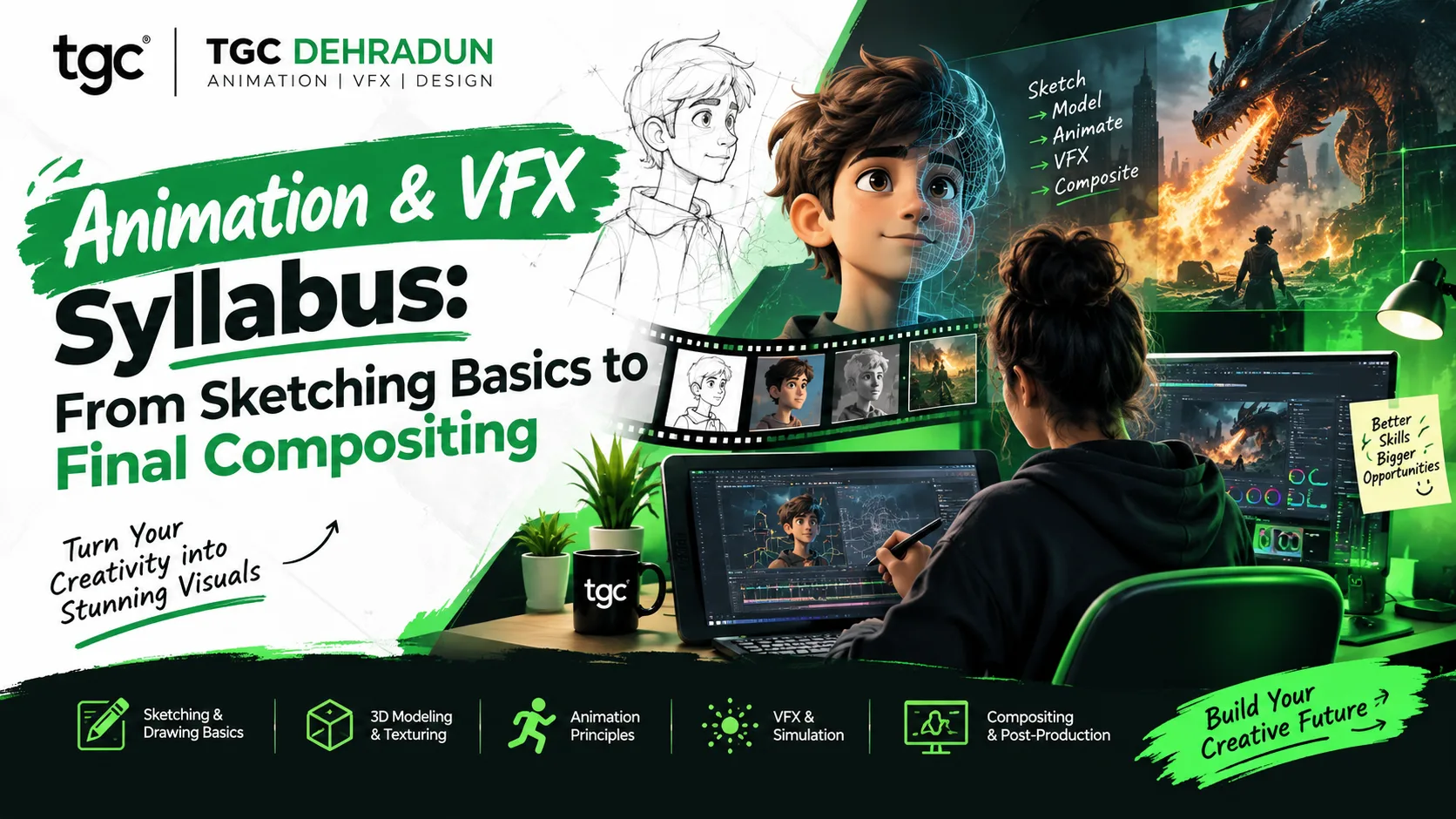
Every film, ad, web series, and game you’ve enjoyed went through the same journey: a rough sketch, a story plan, animated characters or effects, and finally a polished frame where everything blends together. That journey is called the production pipeline, and a good animation and VFX syllabus is built to walk you through it in order.
If you’re a student or career switcher in Dehradun trying to understand what an animation and VFX course actually teaches, this guide lays out the syllabus stage by stage, from the first pencil sketch to the final composite. You’ll see what each stage covers, which software is involved, and what you should be able to create at the end of it.
The Big Picture: The Animation and VFX Pipeline
Before the syllabus makes sense, it helps to see the pipeline:
| Phase | What Happens | Example |
|---|---|---|
| Pre-production | Ideas, scripts, sketches, storyboards, character design | Planning a short film |
| Production | Modeling, animation, effects creation | Building and animating the scene |
| Post-production | Compositing, color grading, editing, sound | Assembling the final look |
A well-structured course moves through these phases in sequence, so each skill builds on the last. That’s why the best syllabi begin with drawing and storytelling, not with software buttons.
Syllabus at a Glance
| Stage | Module | What You Can Do After It |
|---|---|---|
| 1 | Foundations: sketching, design, and animation principles | Draw, compose a frame, and understand motion |
| 2 | Pre-production: storyboards and animatics | Plan a story visually before animating it |
| 3 | 2D animation and motion graphics | Animate characters and graphics in 2D |
| 4 | 3D modeling, texturing, rigging, and animation | Build and animate 3D characters and environments |
| 5 | VFX techniques | Rotoscope, key, track, and create effects |
| 6 | Compositing | Blend live action and CG into one believable shot |
| 7 | Post-production | Edit, color grade, and add sound |
| 8 | Portfolio and showreel | Present your best work to studios and clients |
Stage 1: Foundations, Sketching and Design Principles
Every great animator starts with the basics of seeing and drawing, not with a computer.
What you learn:
- Drawing fundamentals: shapes, proportion, perspective, and gesture
- Composition, color, and lighting basics
- The history and types of animation: 2D, 3D, stop motion, and motion graphics
- The 12 principles of animation: timing, squash and stretch, anticipation, follow-through, and more
- How the animation production pipeline fits together
Why it comes first: Software changes constantly, but drawing, timing, and storytelling don’t. Students who build these skills first learn every later tool faster.
You should be able to: Sketch a simple character in several poses and explain why a bouncing ball moves the way it does.
Stage 2: Pre-Production, Storyboards and Animatics
Before anything moves on screen, it has to be planned. This stage teaches you to think like a director.
What you learn:
- Script breakdown and visual storytelling
- Character design and expression sheets
- Storyboarding: planning shots, camera angles, and transitions
- Animatics: rough timed versions of the storyboard to test pacing
- VFX shot breakdown: deciding what’s real, what’s digital, and what must be added in post
Typical practice work: A storyboard for a 30-second ad or short scene, with a simple animatic.
You should be able to: Turn a one-page idea into a shot-by-shot visual plan that another artist could follow.
Stage 3: 2D Animation and Motion Graphics
Here the sketches start to move.
What you learn:
- Frame-by-frame and keyframe animation
- Character walks, talks, and emotions
- Animation principles applied in practice: timing, spacing, and easing
- Motion graphics: animated text, logos, infographics, and title sequences
- Tools such as Adobe Animate, Toon Boom Harmony, and Adobe After Effects
Typical practice work: A walk cycle, a character expression test, an animated logo, and a short motion graphics piece.
You should be able to: Animate a character performing a simple action convincingly and create clean animated graphics for ads and social media.
Stage 4: 3D Modeling, Texturing, Rigging and Animation
3D adds depth, space, and realism, and it’s usually the longest stage in the syllabus.
| Skill | What It Involves |
|---|---|
| Modeling | Building characters, props, and environments in 3D |
| Texturing and materials | Adding color, surface detail, and realism |
| Rigging and skinning | Creating bones and controls so a model can move |
| Animation | Posing and animating characters using timelines and graph editors |
| Lighting and cameras | Setting mood, depth, and shot composition |
| Rendering | Producing the final images or video frames |
Software commonly involved: Autodesk Maya and Blender, with tools such as Substance Painter for texturing, and Cinema 4D for motion design.
Typical practice work: A modeled and textured prop, a rigged character, a short character animation, and a lit and rendered scene.
You should be able to: Take an idea from a 3D model to a rendered, animated shot.
Stage 5: VFX Techniques
This is where live-action footage and computer-generated elements start to meet.
What you learn:
| Technique | What It Does |
|---|---|
| Rotoscoping and paint | Isolating or cleaning up elements frame by frame |
| Chroma keying | Removing green or blue screens and replacing backgrounds |
| 2D and 3D motion tracking | Following camera or object movement in footage |
| Matchmoving and camera solving | Recreating the real camera so CG fits the scene |
| Particle effects and simulations | Smoke, fire, rain, sparks, dust, and explosions |
| Matte painting | Extending or creating environments digitally |
Software commonly involved: Adobe After Effects, Nuke, and Houdini for advanced effects and simulations.
Typical practice work: Removing a wire from a shot, replacing a background, adding a tracked graphic to moving footage, and creating a basic fire or smoke effect.
You should be able to: Clean up footage, track a shot, and create a convincing basic effect.
Stage 6: Compositing, Where Everything Comes Together
Compositing is the final assembly of every layer, whether it’s live footage, 3D renders, effects, and backgrounds, into a single believable image.
What you learn:
- Layer-based and node-based compositing workflows
- Matching color, lighting, grain, and perspective between elements
- Integrating 3D renders into live-action footage
- Edge cleanup, shadows, reflections, and depth
- Working with multiple passes and render layers
Software commonly involved: Nuke and Adobe After Effects.
Why it matters: A shot can contain flawless animation and still look fake if the composite is off. Compositing is the skill that makes viewers believe what they see.
You should be able to: Blend a CG element into a real shot so it looks like it was filmed there.
Stage 7: Post-Production
Post-production gives the work its final polish and delivers it in the right format.
What you learn:
- Video editing and pacing
- Color correction and color grading
- Sound design, music, and synchronization
- Final output settings for film, web, social media, and broadcast
- Tools such as Adobe Premiere Pro and DaVinci Resolve
Typical practice work: Editing a short sequence, grading it for mood, mixing sound, and exporting for different platforms.
You should be able to: Take a finished animation or VFX shot and turn it into a professional, deliverable video.
Stage 8: Portfolio and Showreel
A syllabus isn’t finished until you have something to show.
What you build:
- A showreel of your best 2D, 3D, VFX, and compositing work
- Character designs, storyboards, and breakdowns that explain your process
- A focused selection that matches the role you want, whether animator, VFX artist, compositor, or motion designer
Why it matters: Studios and clients hire on demonstrated skill. A short, well-edited showreel counts for more than a long list of software names.
Software You’ll Meet Along the Way
| Stage | Common Tools |
|---|---|
| 2D animation and motion graphics | Adobe Animate, Toon Boom Harmony, After Effects |
| 3D modeling and animation | Autodesk Maya, Blender, Cinema 4D |
| Texturing | Substance Painter |
| VFX and simulation | Houdini, After Effects |
| Compositing | Nuke, After Effects |
| Editing and finishing | Premiere Pro, DaVinci Resolve |
| Real-time and game engines | Unreal Engine |
You don’t need to master every tool. The goal is to understand the pipeline well enough to specialize in the area you enjoy most.
How Long Does the Full Syllabus Take?
Duration depends on how deep you go:
| Program Level | Typical Length |
|---|---|
| Focused VFX diploma | About 6 months |
| Advanced VFX program | Up to 1 year |
| Full animation diploma covering 2D, 3D, VFX, and post-production | About 1 year, often including internships and placement support |
Shorter programs concentrate on one area, while the full diploma gives you the complete pipeline and the widest set of career options.
Common Mistakes Animation and VFX Students Make
- Skipping the drawing and storytelling stage. It feels slow, but it shapes everything that follows
- Jumping straight into advanced VFX. Without animation basics and compositing fundamentals, shots rarely look right
- Learning software without learning the pipeline. Knowing where your work fits helps you collaborate with others
- Collecting tools instead of finishing projects. A few finished shots beat many half-learned programs
- Ignoring sound and color. Audio and grading often make the biggest difference in how professional a piece feels
- Building a showreel too late. Start collecting your best shots from the first month
Career Paths After the Syllabus
| Role | What You Do |
|---|---|
| 2D Animator | Animate characters and scenes in 2D |
| 3D Animator | Bring characters and objects to life in 3D |
| VFX Artist | Create and integrate visual effects |
| Compositor | Combine all elements into the final shot |
| Rotoscope and paint artist | Isolate and clean up footage |
| Motion Graphics Designer | Create animated graphics for ads, titles, and social media |
| Video Editor | Edit and finish projects for film, ads, and the web |
| Game and real-time artist | Build assets and effects for games and virtual production |
Studios, ad agencies, OTT and film production houses, gaming companies, and freelance clients all hire across these roles.
Where to Learn the Full Syllabus in Dehradun
TGC Dehradun’s Animation Course is built around this progression: introduction to animation and design principles, 2D animation and motion graphics, 3D animation, VFX basics and compositing, and post-production, taught with live demonstrations, assignments, and real projects, and designed to start from strong fundamentals for beginners.
If you want to go deeper into effects and compositing, the VFX Course in Dehradun and the Diploma in VFX cover tracking, rotoscoping, chroma keying, simulations, and integrating 3D into live action. For the complete pipeline from animation through post-production, see the Diploma in 2D/3D Animation and Post Production, and for finishing skills, the Video Editing Course.
Students in different parts of the city can join through the Animation Course in Rajpur Road or the Animation Course in Dalanwala. You can also read more about what students learn in a professional animation course in Dehradun and the animation course details and job scope.
Frequently Asked Questions
What is covered in an animation and VFX syllabus? A complete syllabus covers drawing and design principles, storyboarding, 2D animation, motion graphics, 3D modeling, texturing, rigging, animation, VFX techniques, compositing, post-production, and portfolio building.
Do I need to know drawing before joining? No. A good course starts with the fundamentals, though some drawing practice helps.
Which software will I learn? Commonly Adobe Animate, After Effects, Maya, Blender, Nuke, Houdini, Substance Painter, Premiere Pro, and DaVinci Resolve, depending on the program.
How long does the course take? TGC Dehradun’s VFX programs run from about 6 months for the diploma to up to 1 year for the advanced program, and the full animation diploma runs around a year.
What’s the difference between VFX and animation? Animation creates movement and characters. VFX blends computer-generated elements with live-action footage. Many productions use both.
Can beginners join? Yes. The course is designed for beginners as well as creative learners, and it moves gradually from fundamentals to advanced modules.
What jobs can I get? Animator, VFX artist, compositor, motion graphics designer, video editor, and related roles in films, ads, OTT, and games.
Will I get placement support? TGC Dehradun offers certification and job placement support, and its one-year diploma includes internships.
Final Thoughts
A strong animation and VFX syllabus isn’t a list of software. It’s a pipeline: you learn to see and sketch, plan a story, animate in 2D and 3D, create and track effects, composite everything into one believable frame, and finish it with sound and color. Each stage prepares you for the next, and the portfolio you build along the way becomes your entry ticket to the industry.
Start with the fundamentals, finish small projects at every stage, and keep your best shots for your showreel. By the time you reach final compositing, you won’t just have used the tools. You’ll understand how a shot is made from the first sketch to the final frame.
Ready to follow the full animation and VFX pipeline? Explore TGC Dehradun’s Animation and VFX courses and start building your showreel.