

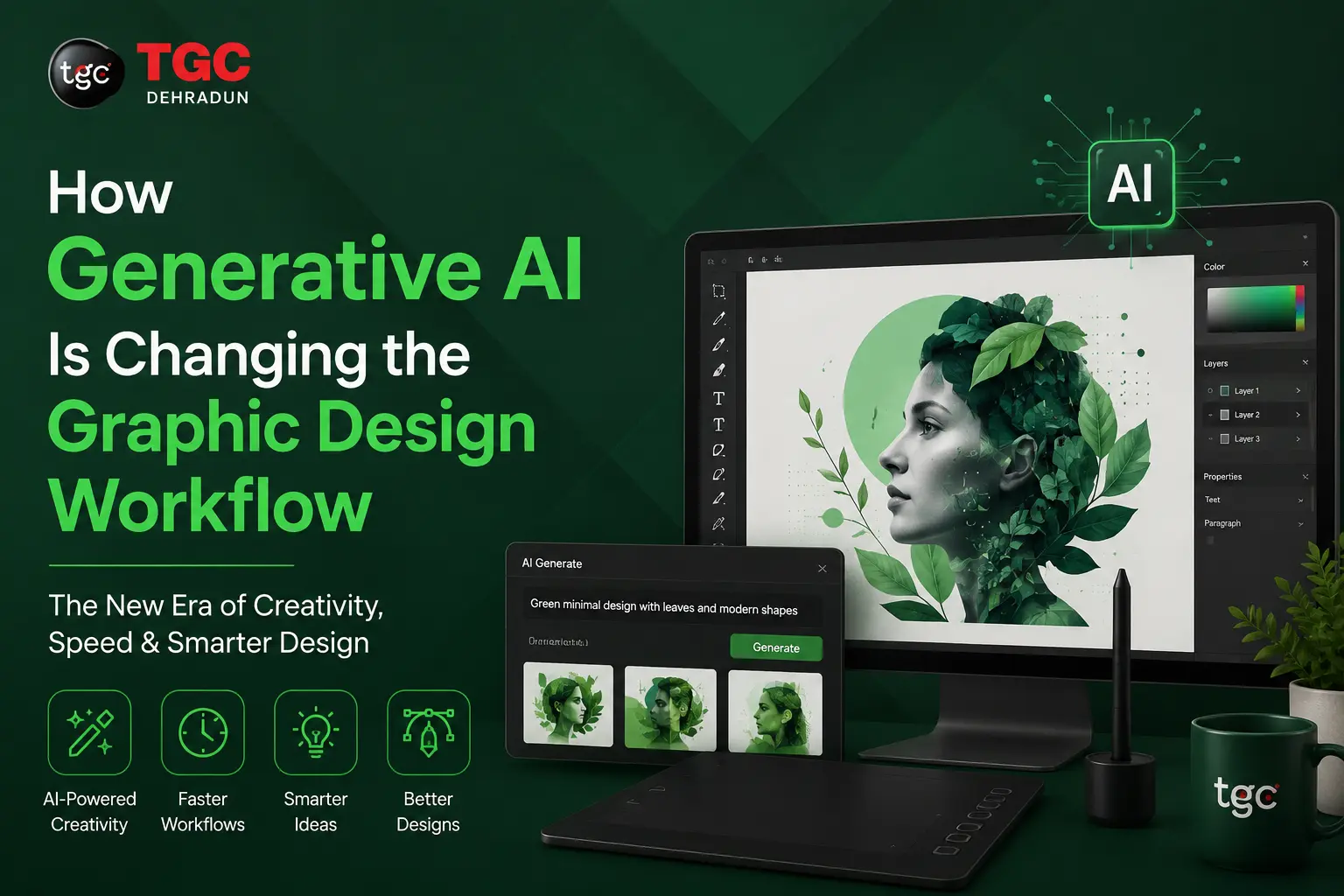
How Generative AI Is Changing the Graphic Design Workflow
Graphic design has always evolved alongside its tools from hand-lettering to desktop publishing, from film cameras to digital cameras, from manual retouching to layers and smart objects. The next shift is already here, and it’s arguably the biggest one yet: generative AI. Tools built on machine learning can now generate images, suggest layouts, remove backgrounds, upscale artwork, and even write copy in seconds. For designers, this isn’t about being replaced it’s about rethinking how creative work actually gets done.
In this post, we’ll break down exactly how generative AI is reshaping the graphic design workflow, from ideation to final delivery, and what it means for anyone building a career in design today.
1. Ideation and Concept Development Are Faster Than Ever
The blank canvas problem staring at an empty page waiting for inspiration used to eat up hours of a designer’s time. Generative AI tools like Adobe Firefly and Midjourney have entirely changed that starting point.
Instead of sketching a dozen rough concepts by hand, designers can now type a text prompt and generate multiple visual directions in minutes. This doesn’t replace creative judgment a designer still has to evaluate, refine, and art-direct the output but it dramatically compresses hhthe exploratory phase. Mood boards, color palette experiments, and style explorations that once took a full day can now happen before lunch.
This shift matters most for students and early-career designers. Learning to prompt, curate, and refine AI-generated concepts is quickly becoming as important as knowing your color theory. If you’re exploring a career in this space, a structured Diploma in Graphic Design that includes AI tools alongside traditional design fundamentals gives you both the creative foundation and the modern workflow employers expect.
2. Asset Creation and Editing Have Become Semi-Automated
Repetitive production tasks are exactly where generative AI shines. Background removal, object cleanup, image upscaling, and even generative fill (extending an image beyond its original borders) used to require careful manual masking and cloning. Now, these tasks can be done with a click.
Tools like Adobe Photoshop’s Generative Fill, Canva’s Magic Studio, and Adobe Illustrator’s AI-assisted vectorization are turning multi-step editing processes into single actions. This doesn’t eliminate the need for skilled editing a trained eye is still required to know when the AI output looks right and when it needs manual correction but it removes the tedious, low-value parts of the job.
For designers who still work heavily in vector-based branding, logo design, and illustration, understanding how AI-assisted features fit into a traditional workflow is essential. Courses like the Illustrator Course in Dehradun now increasingly cover these hybrid workflows, where manual vector skills and AI-assisted tools work side by side.
3. Layout and Prototyping Are Getting Smarter
Generative AI isn’t just about images it’s also changing how designers approach layout and structure. AI-powered design assistants can now suggest grid systems, auto-generate multiple layout variations from a single content set, and even flag accessibility or contrast issues before a design goes live.
This is especially significant in UI/UX design, where designers often need to test several layout options quickly to see what resonates with users. AI tools can generate wireframe variations, populate mockups with realistic placeholder content, and even simulate how a design might look across different screen sizes all in a fraction of the time manual prototyping would take.
If you’re interested in this side of design, where AI-assisted prototyping meets user-centered thinking, the UI/UX Design Course in Dehradun is a good starting point for understanding how these tools fit into a real product design process.
4. Personalization and Scale Are No Longer Bottlenecks
One of the most practical impacts of generative AI is the ability to produce design variations at scale. Brands today need dozens, sometimes hundreds, of asset variations different sizes for social media, localized versions for different markets, A/B test variants for ad campaigns.
Previously, this kind of scaled production was time-consuming and often outsourced or automated through rigid templates. Generative AI tools can now intelligently resize, recompose, and adapt a single design across formats while maintaining brand consistency. This is a major shift for marketing teams and agencies that need high-volume creative output without ballooning their design teams.
This trend connects closely with digital and performance marketing, where creative volume directly affects campaign performance. Designers who understand both the creative and marketing side of this equation are increasingly valuable something covered in depth in a Performance Marketing Course for those who want to bridge design and digital strategy.
5. The Designer’s Role Is Shifting From Creator to Curator and Director
Perhaps the biggest change generative AI brings isn’t technical it’s philosophical. As AI tools take over more of the mechanical execution, the designer’s value increasingly lies in judgment, taste, and direction rather than pure technical output.
This means the modern designer needs to be skilled at:
- Prompt engineering — knowing how to communicate a creative vision to an AI tool effectively
- Curation — filtering through AI-generated options to find what actually serves the brief
- Art direction — guiding AI output toward a cohesive, on-brand result
- Quality control — spotting AI artifacts, inconsistencies, or ethical issues (like unintended bias or copyright concerns) before final delivery
- Strategic thinking — understanding the “why” behind a design, which AI still cannot replicate
In many ways, this shift raises the bar for creative professionals rather than lowering it. Anyone can generate an image with a prompt; not everyone can direct that output into something strategically effective and visually excellent.
6. New Skills Are Becoming Non-Negotiable
As the workflow changes, so does the skill set employers look for. Alongside traditional design software like Photoshop and Illustrator, familiarity with AI-powered tools is quickly becoming a baseline expectation rather than a bonus skill.
This is why design education itself is evolving. Training programs that combine core design principles with hands-on exposure to AI tools, animation, and multimedia production are better preparing students for how studios and agencies actually work today. Programs such as the broader design and animation courses at TGC Dehradun reflect this shift, blending classic design training with the tools reshaping the industry.
What This Means for the Future of Design Careers
Generative AI is not making graphic designers obsolete it’s making the job faster, broader, and in many ways more creative. Routine, repetitive tasks are being automated, freeing up time for higher-level thinking: strategy, storytelling, brand identity, and original visual direction.
The designers who thrive in this new landscape will be the ones who treat AI as a collaborator, not a threat using it to speed up production while doubling down on the human skills that remain irreplaceable: taste, empathy, strategic thinking, and creative judgment.
Final Thoughts
The graphic design workflow of 2026 looks noticeably different from just a few years ago. Ideation is faster, editing is smarter, layouts are more adaptive, and scale is no longer a constraint. But at the core of it all, the fundamentals of good design composition, color, typography, and storytelling still matter as much as ever. Generative AI is simply a new set of tools in a designer’s kit, and learning to use them well is quickly becoming essential to staying competitive in the industry.
Whether you’re just starting or looking to upskill, understanding how to blend traditional design craft with AI-powered tools will define the next generation of successful designers.
